Your AI bridal stylist
Try on wedding dresses on you
See the dress on your own photo before your fitting. Then find your style and plan your wedding one calm step at a time.
Start with 7 days free. iPhone and Android.
 Your photo
 On you
Lace with long sleeves
Mermaid · chapel train
Try-on previews are AI-generated. The real fit may differ.
- Your photo is only used for your try-ons
- 7 days free, cancel anytime in your store settings
- On iPhone and Android
Inside the app
Your wedding, one step at a time
Saya is a stylist and a planner in your pocket. It learns what you love and tells you what to do next, so you never face a 300-item checklist.
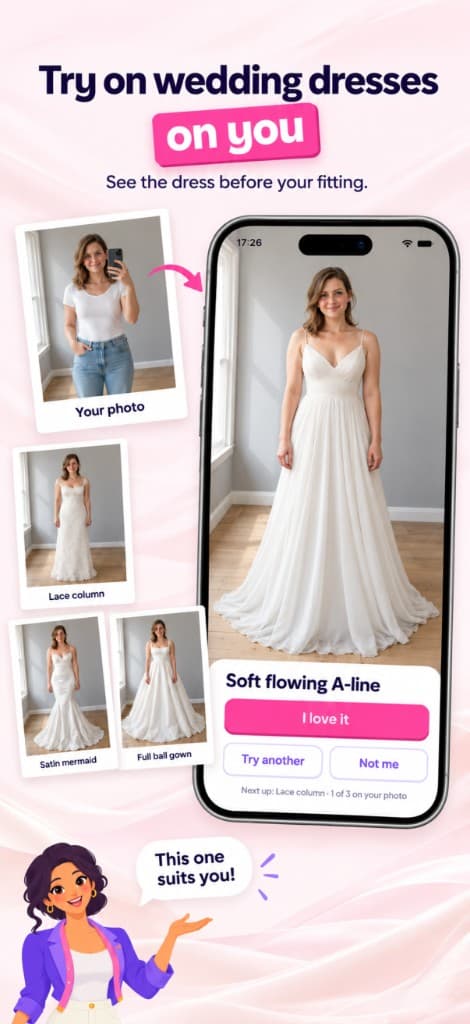
Try on dresses on you
See the dress on your own photo before your fitting.
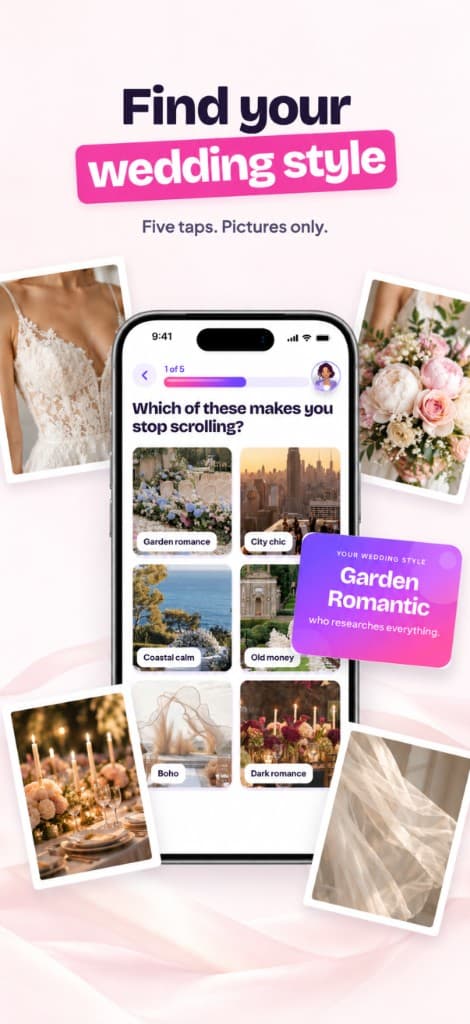
Find your wedding style
Five taps. Pictures only.
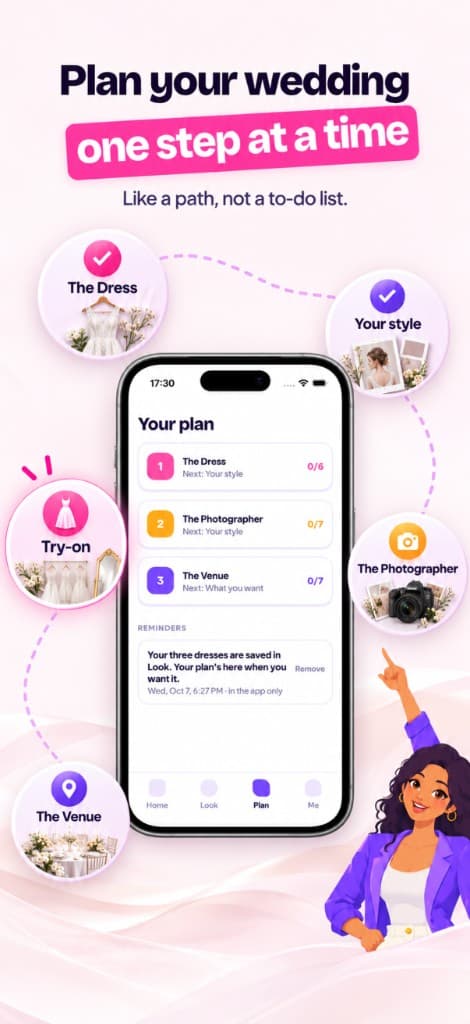
Plan one step at a time
Like a path, not a to-do list.
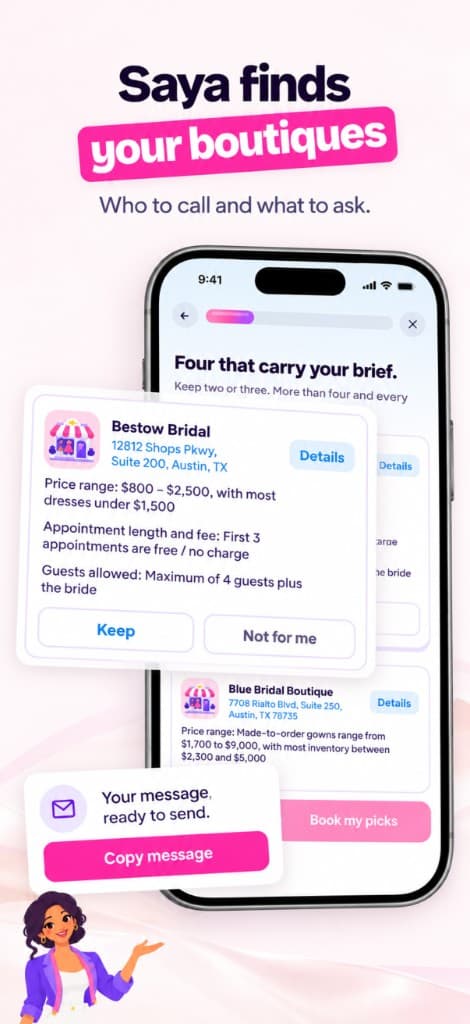
Saya finds your boutiques
Who to call, what to ask, and the message to send.
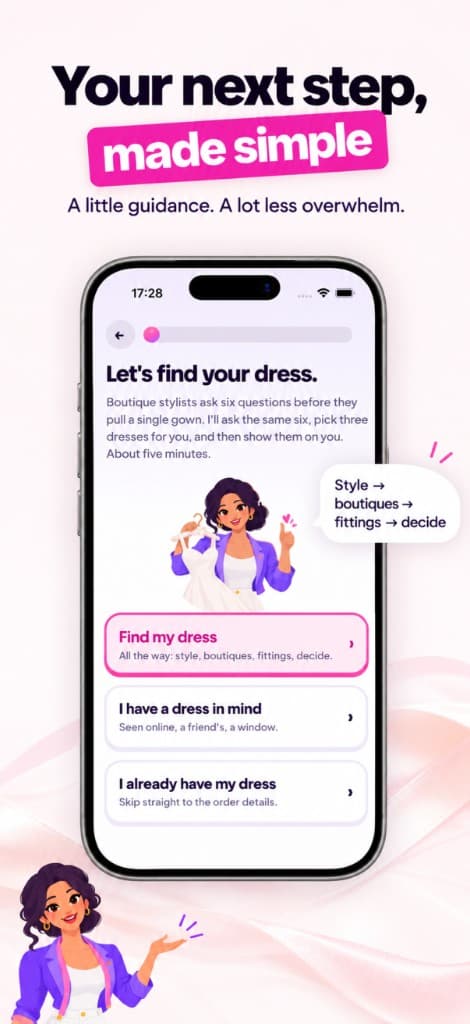
Your next step, made simple
A little guidance. A lot less overwhelm.
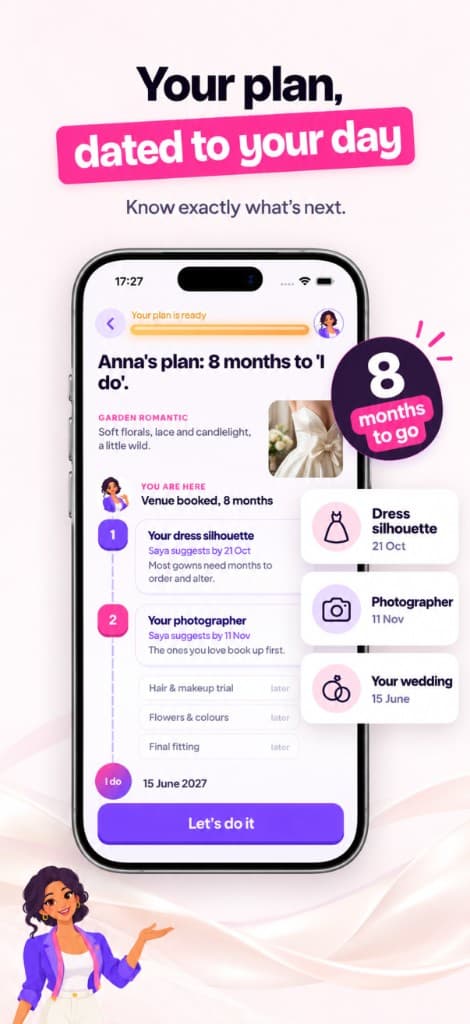
Your plan, dated to your day
Know exactly what's next.
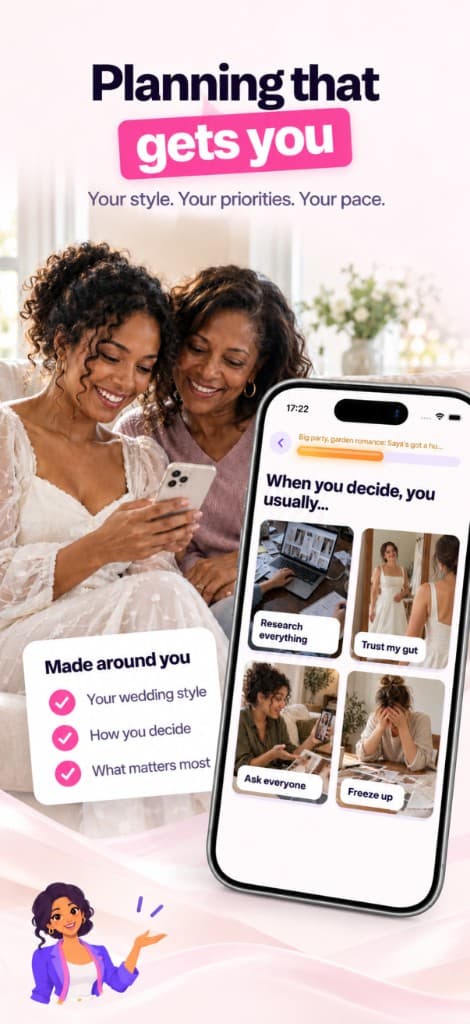
Planning that gets you
Your style. Your priorities. Your pace.
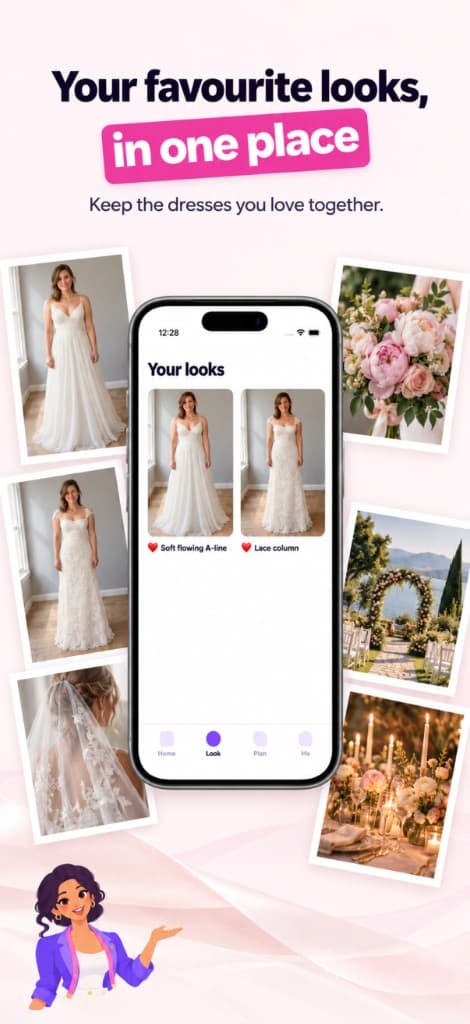
Your favourite looks, in one place
Keep the dresses you love together.
Swipe to see more
How it works
Calm starts in three taps
- 1
Answer five picture questions
Tap what you love. Saya finds your wedding style in about a minute.
- 2
Try dresses on your photo
Add one photo and see gowns on you. Love it, try another, or say not me.
- 3
Follow your calm plan
One small decision at a time, dated to your wedding day.
Free trial
Start with 7 days free
Try everything for a week on the annual plan, or choose monthly. You'll see the price before you confirm, and you can cancel anytime in your App Store or Google Play settings.
FAQ
Questions, answered
How does the virtual try-on work?
Add a clear, well-lit photo of yourself and pick a dress. Saya creates a preview of you wearing it. Previews are AI-generated approximations, so fit, colour and fabric can differ in real life.
Is my photo private?
Your photo is only used to create your try-on previews. You can delete your data at any time. See our Privacy Policy.
How much does Saya cost?
Saya is a subscription. The annual plan starts with a 7-day free trial and there is also a monthly plan. The exact price is shown in the app before you confirm.
How do I cancel?
Subscriptions are managed by Apple or Google. On iPhone: Settings → your name → Subscriptions. On Android: Google Play → Profile → Payments & subscriptions. Cancel at least 24 hours before the trial ends to avoid being charged.
Is Saya on Android?
Yes. Saya is on the App Store for iPhone and on Google Play for Android.
Do I still need to visit a bridal boutique?
Yes, and Saya makes that visit better. It suggests boutiques that fit your brief, tells you what to ask and writes the message for you. You arrive knowing your style, so the appointment is about finding the one.